A tour of the web interface
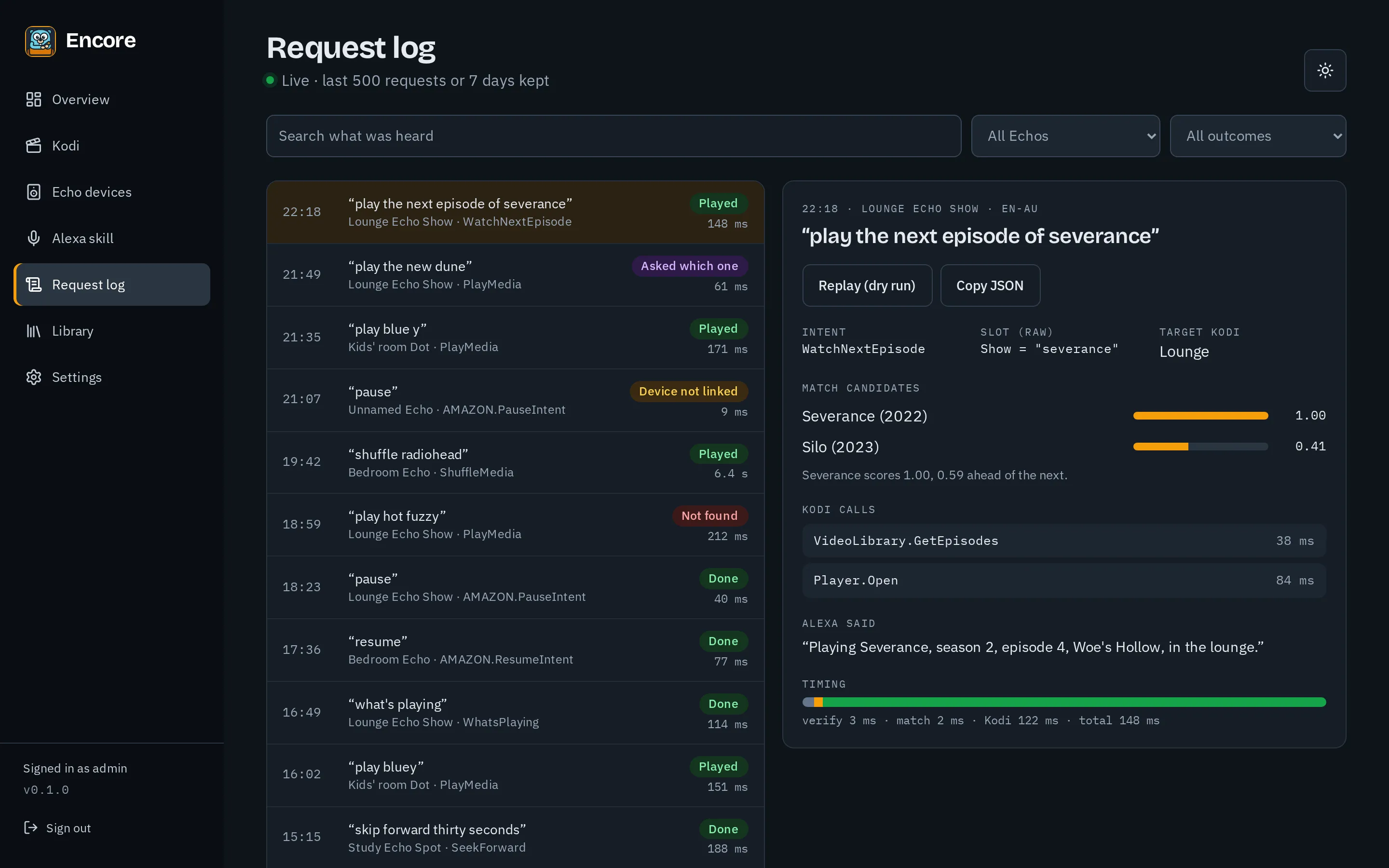
Encore is set up and run from its web interface. These screenshots follow your light or dark theme; addresses, Amazon IDs and similar details are blurred.
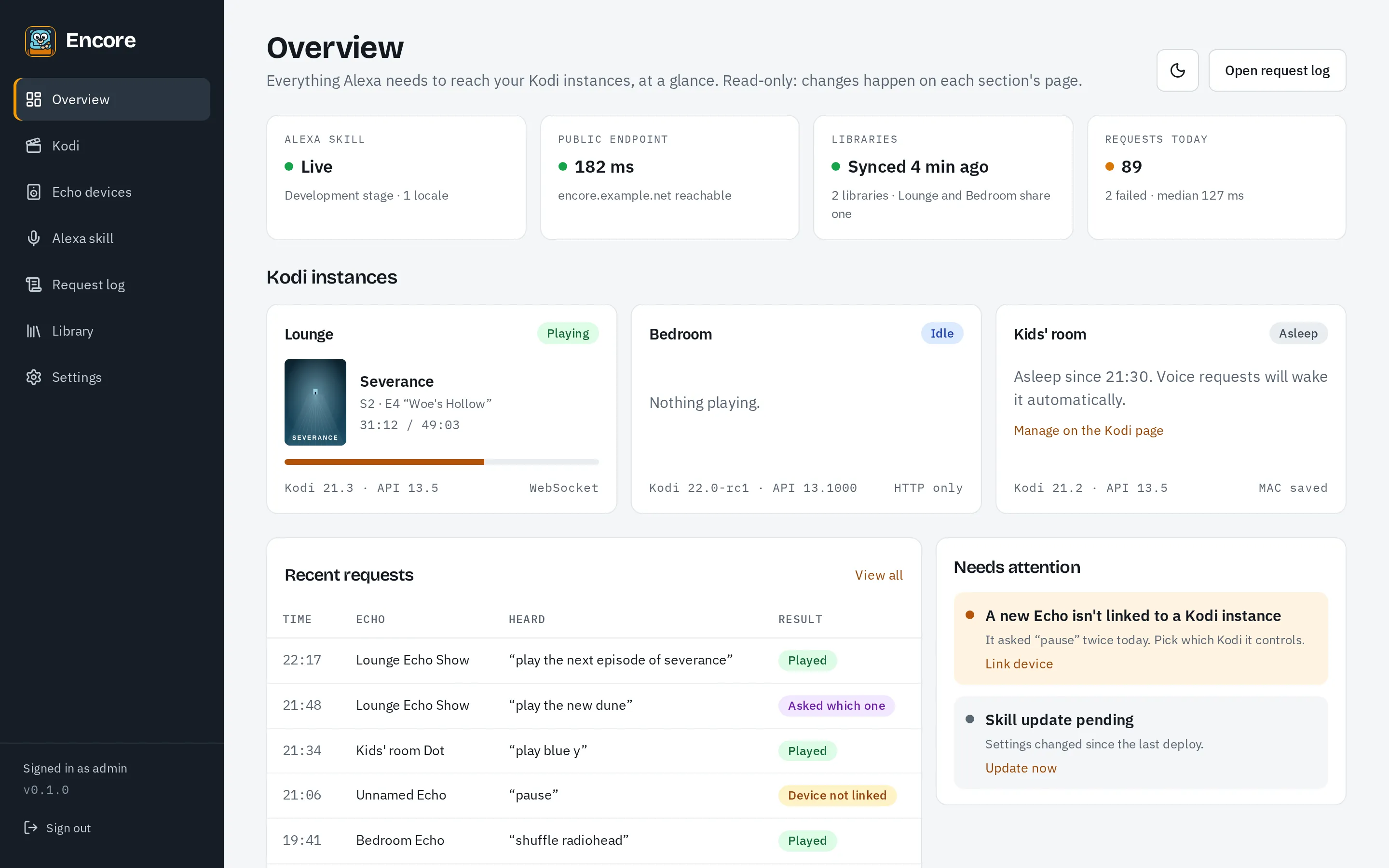
Overview
Section titled “Overview”The dashboard: the skill’s state, whether Alexa can reach Encore, each Kodi instance and what it’s playing, today’s requests, and anything that needs you.
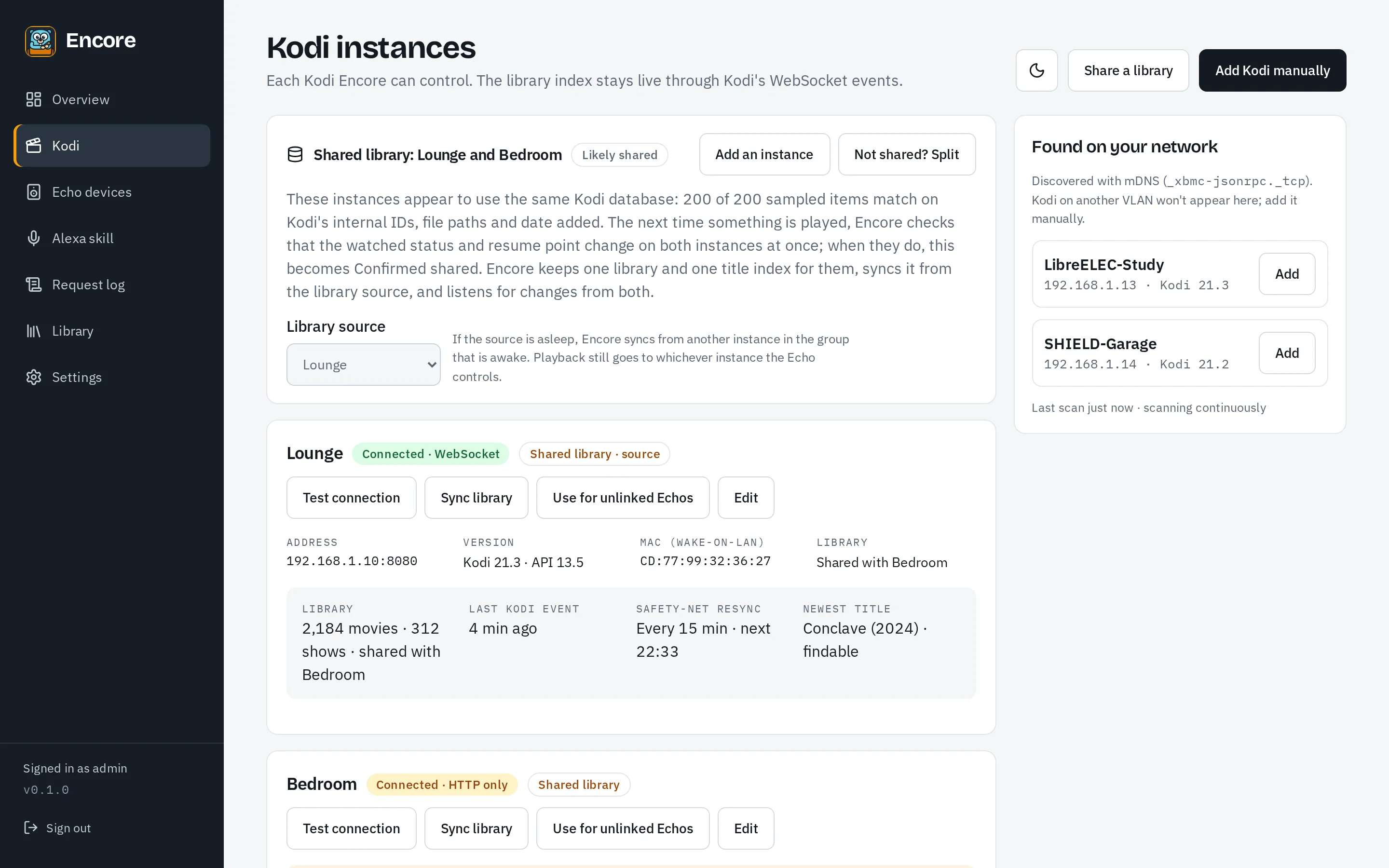
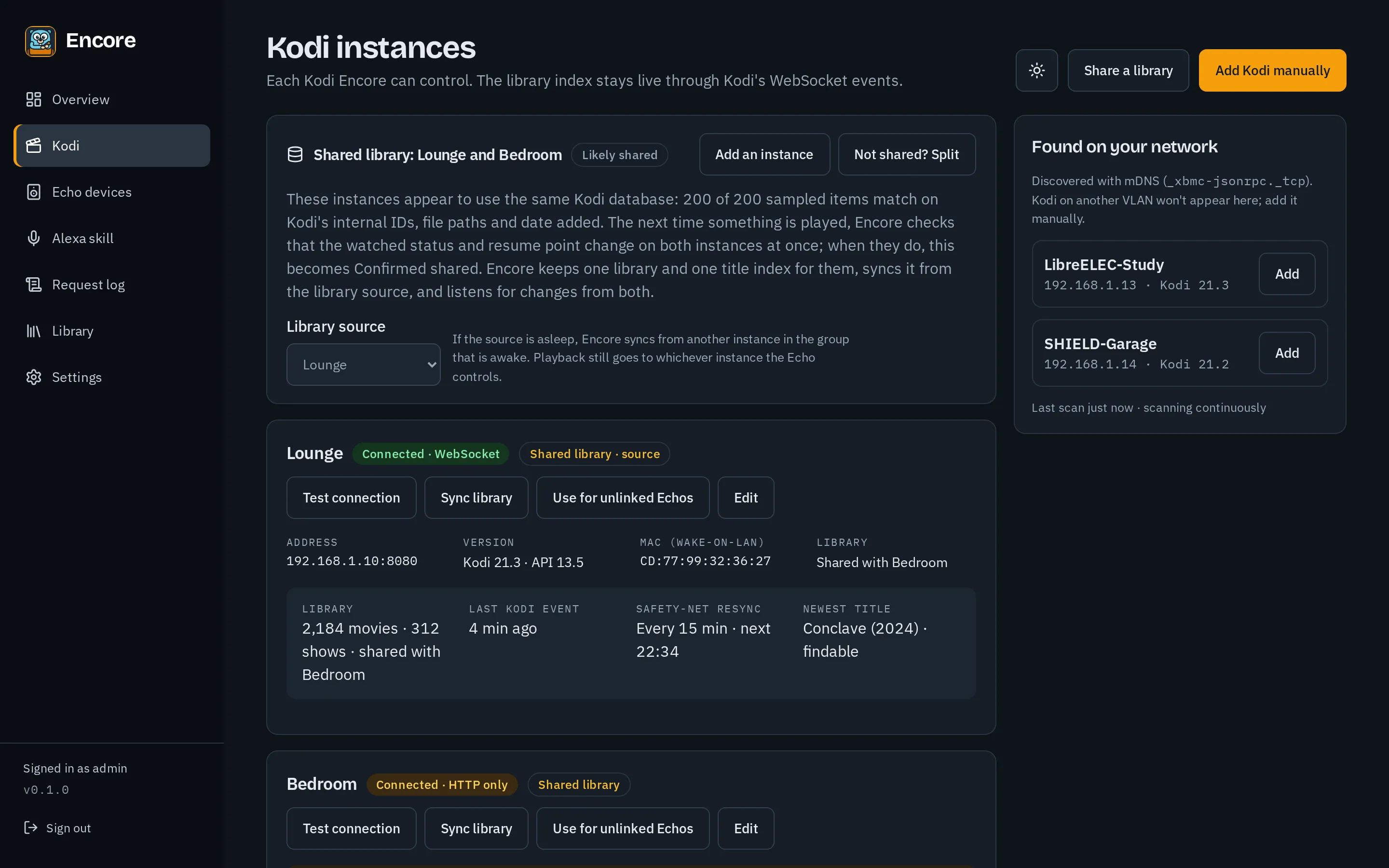
Add Kodi instances, found on your network or entered by address, test them, sync their libraries and see shared libraries. See Kodi instances.
Echo devices
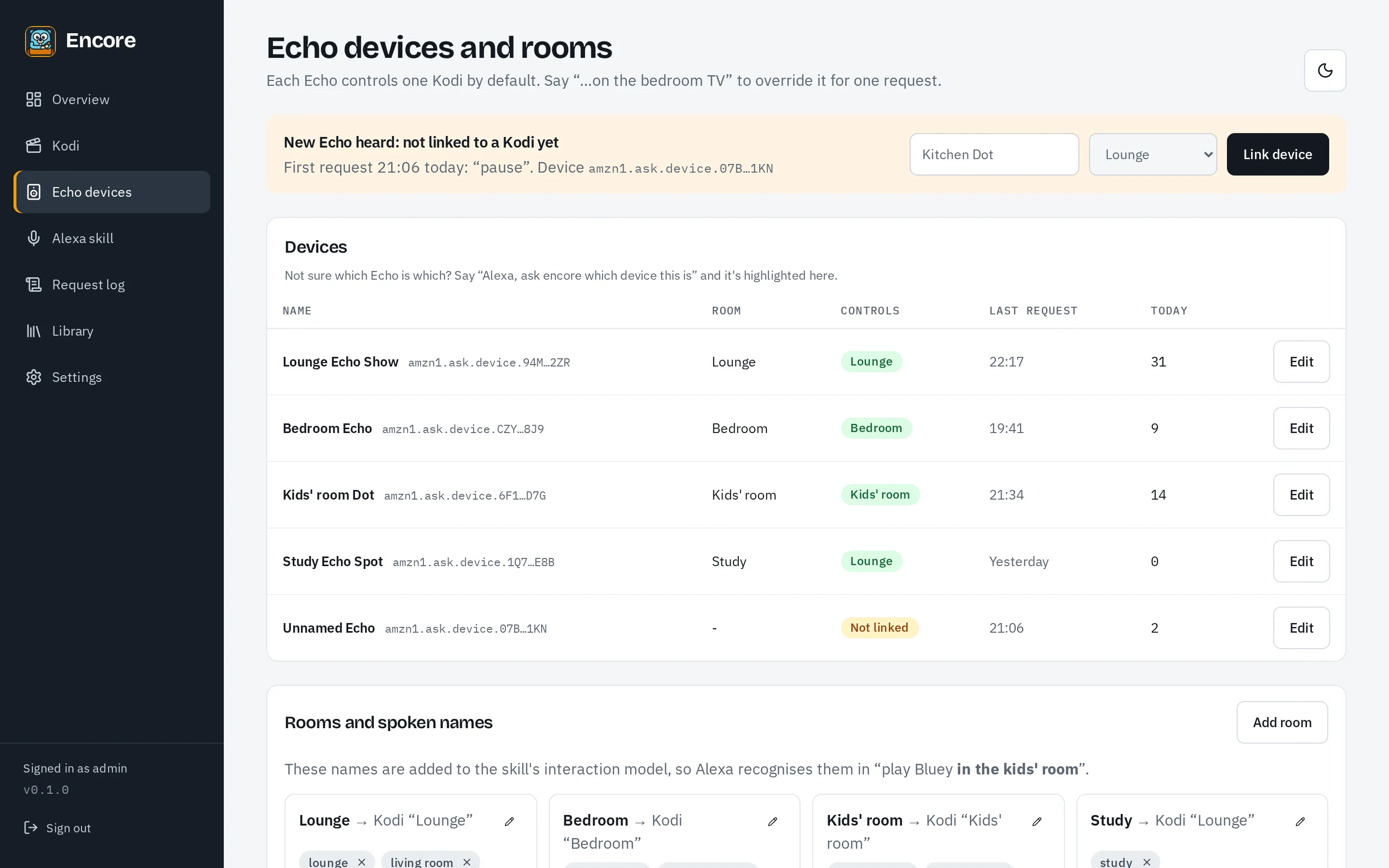
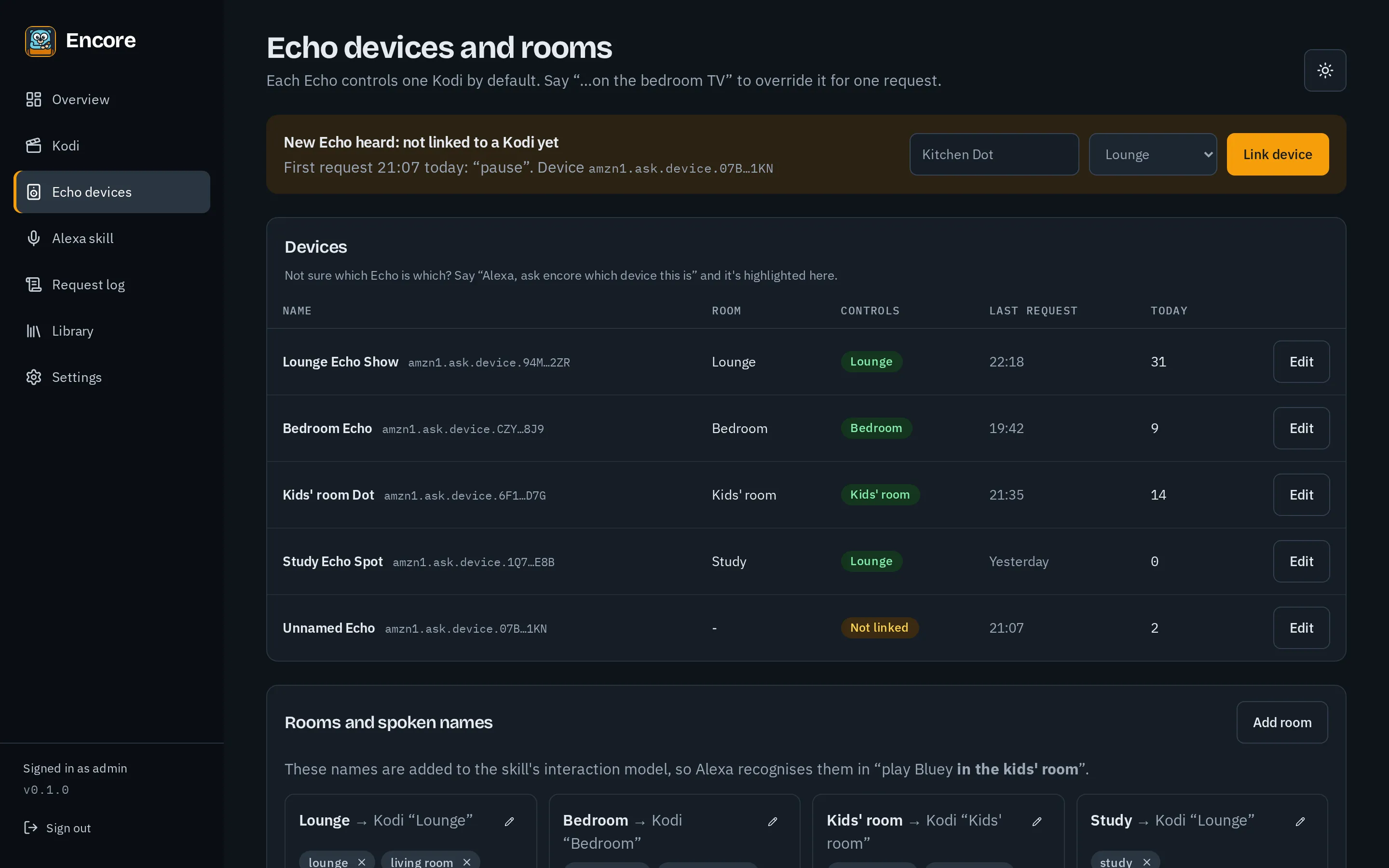
Section titled “Echo devices”Echos appear after their first request; link each to the Kodi instance it controls. See Echo devices and rooms.
Alexa skill
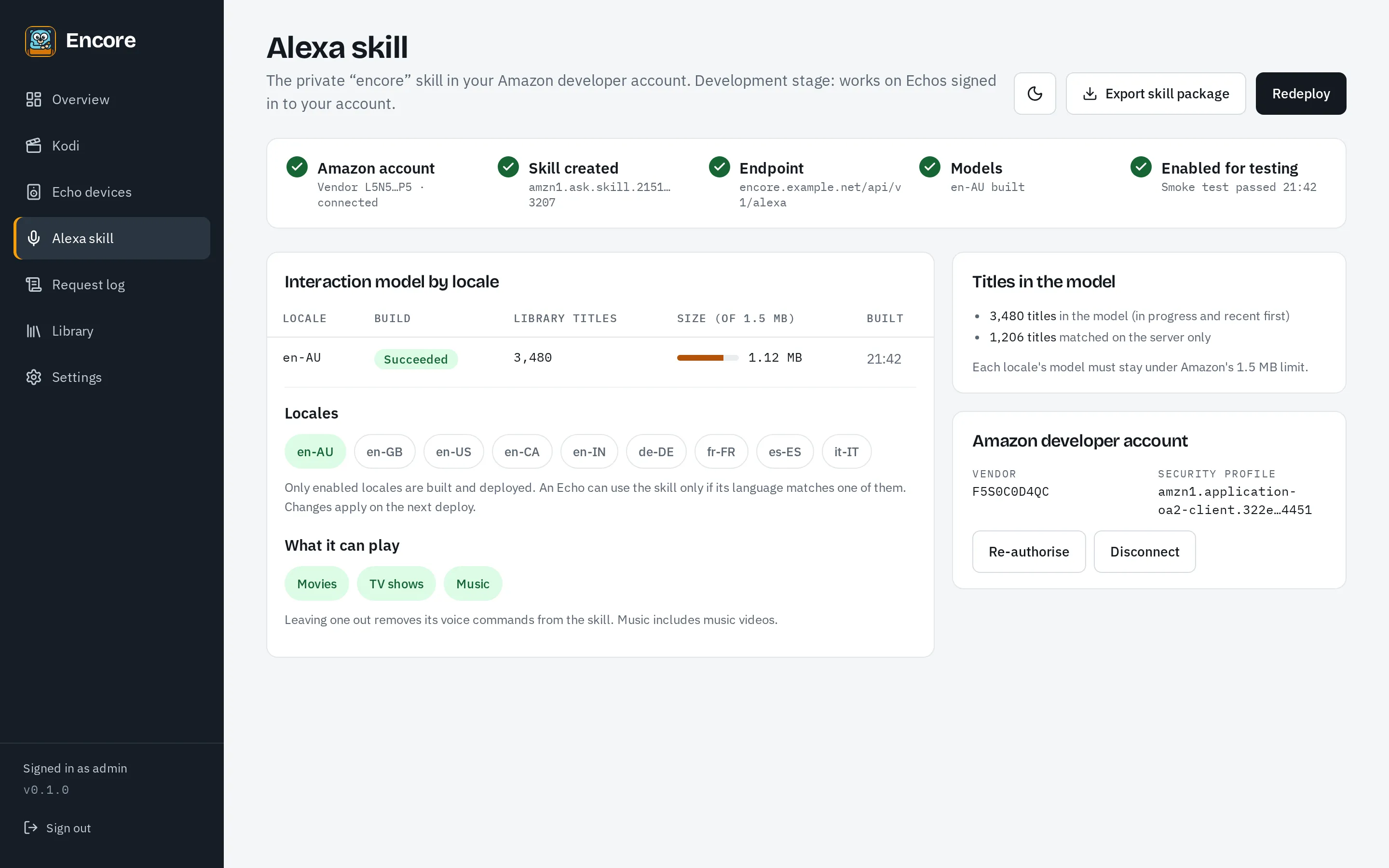
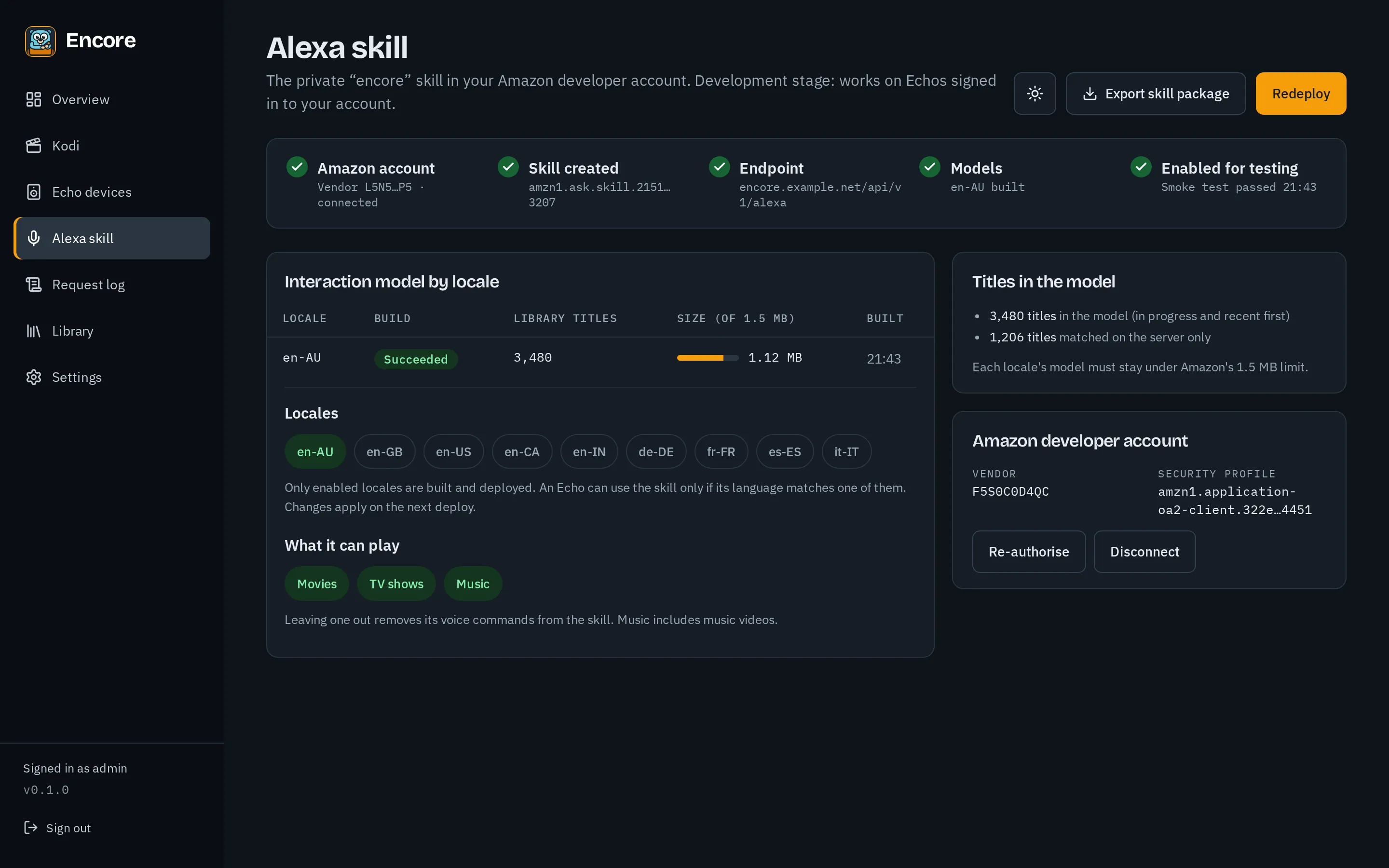
Section titled “Alexa skill”Connect your Amazon developer account, choose locales and what the skill can play, and deploy. See Deploying the skill.
Library
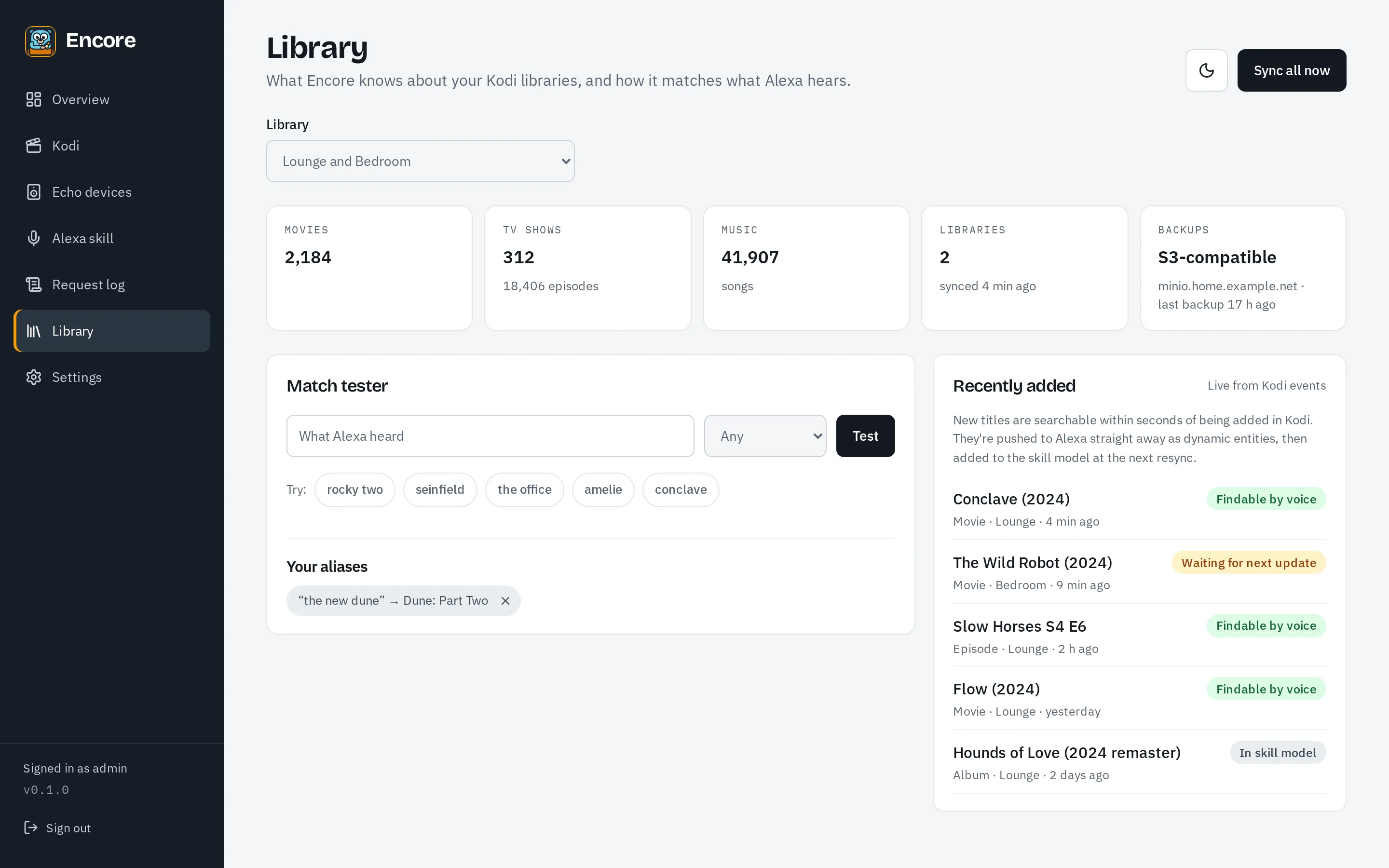
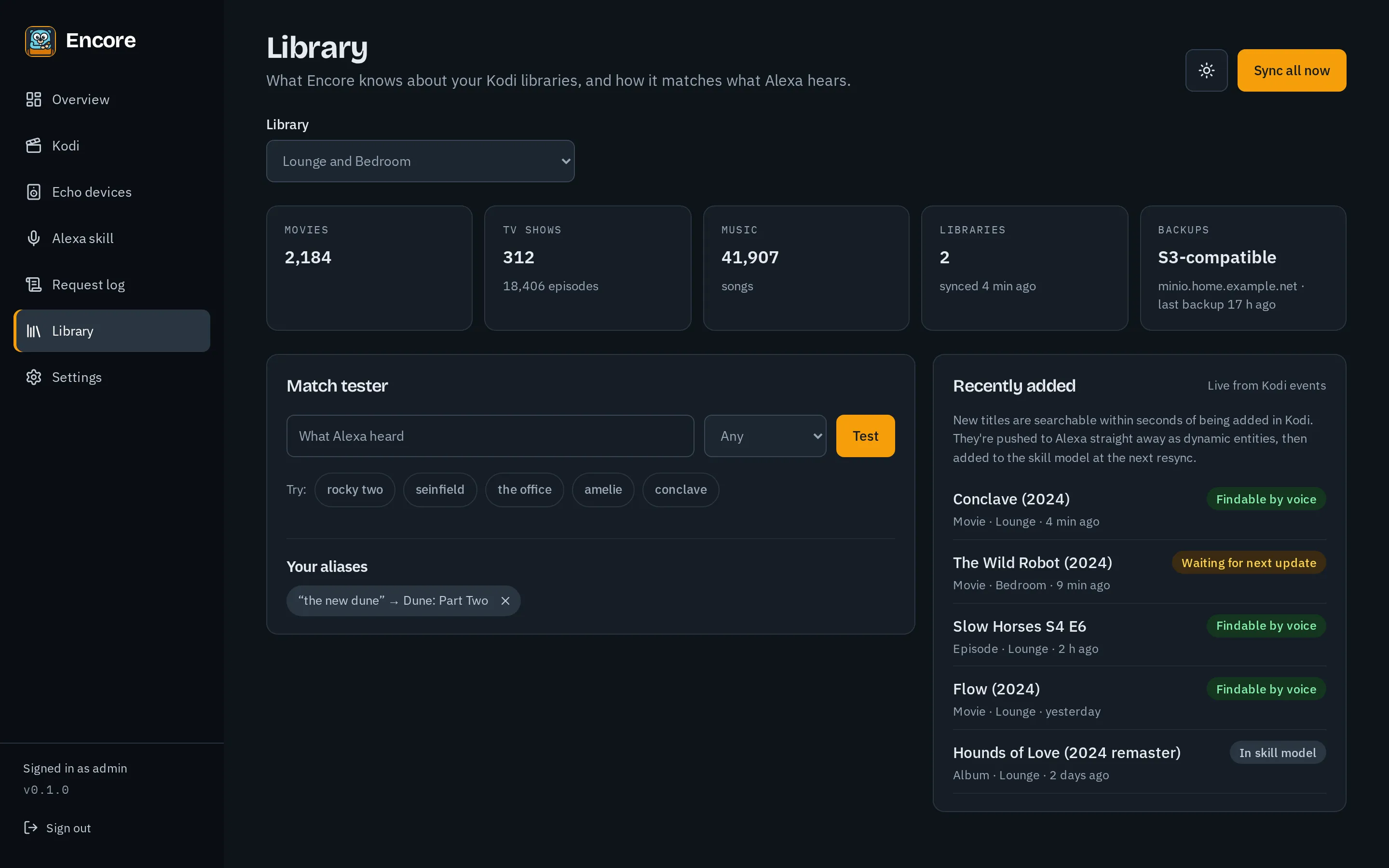
Section titled “Library”Search the library index, add aliases and test how a spoken title is matched. See Matching and aliases.
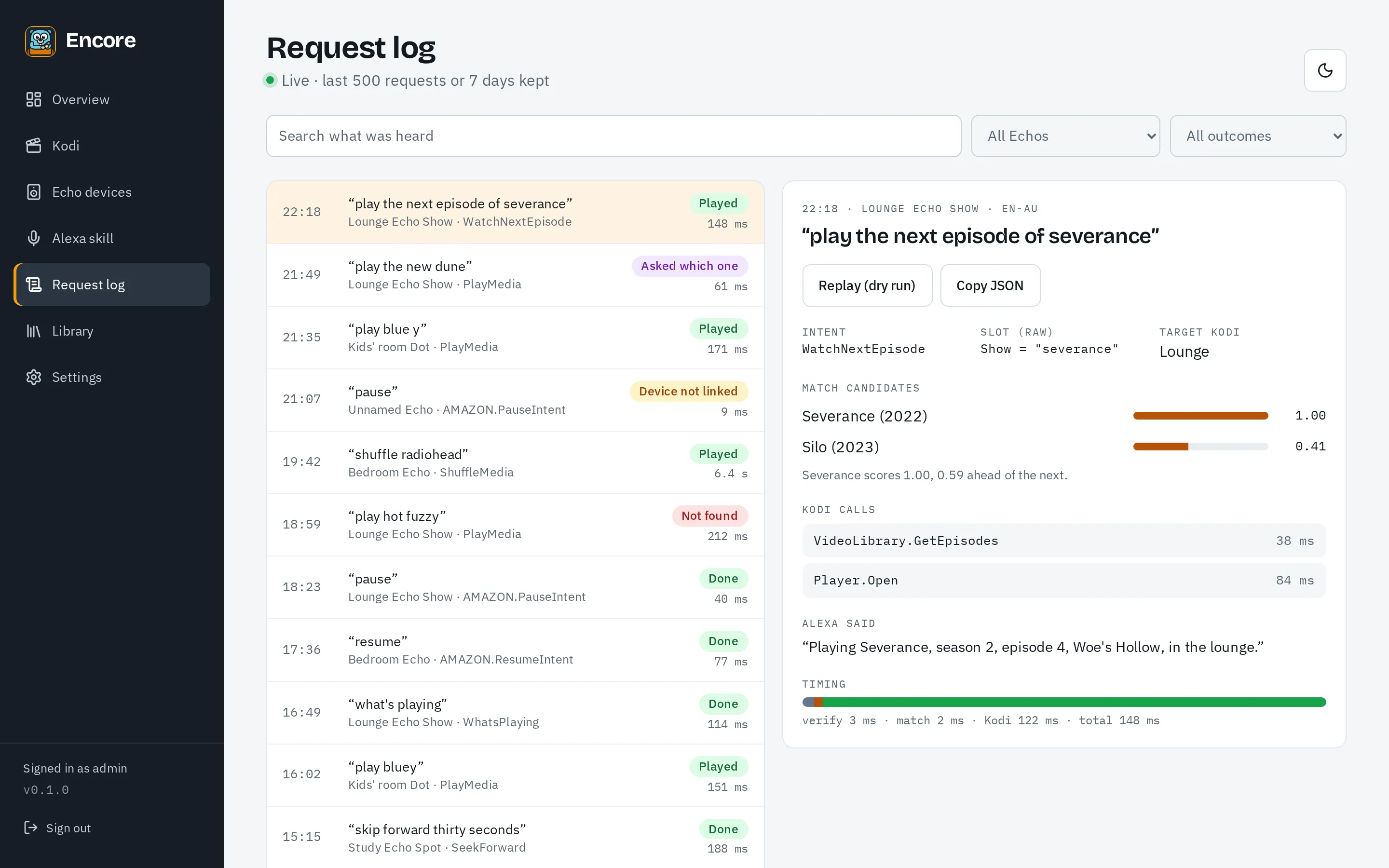
Request log
Section titled “Request log”Every request from Alexa, live, with what was heard, how it matched and the Kodi calls made. See Request log.
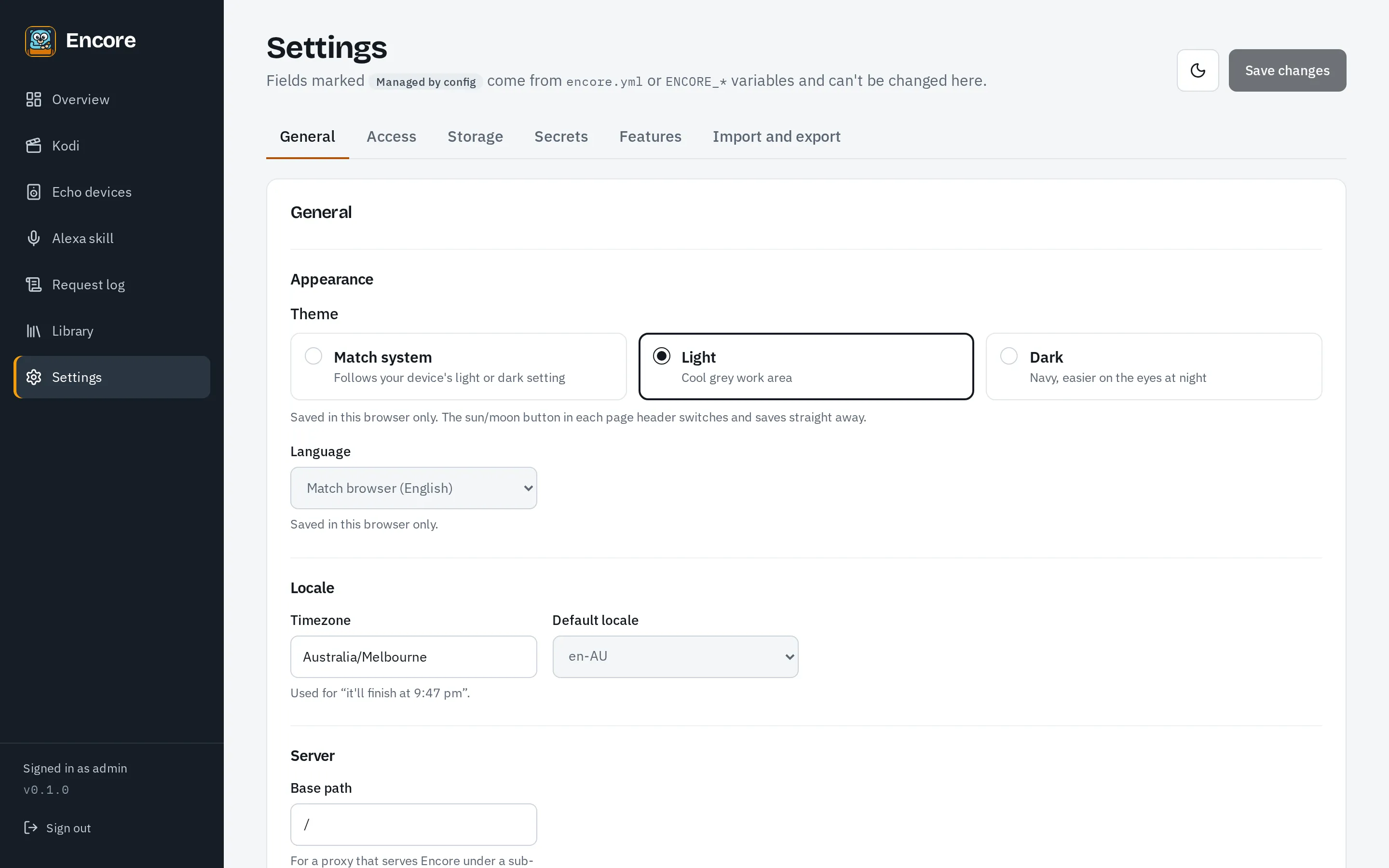
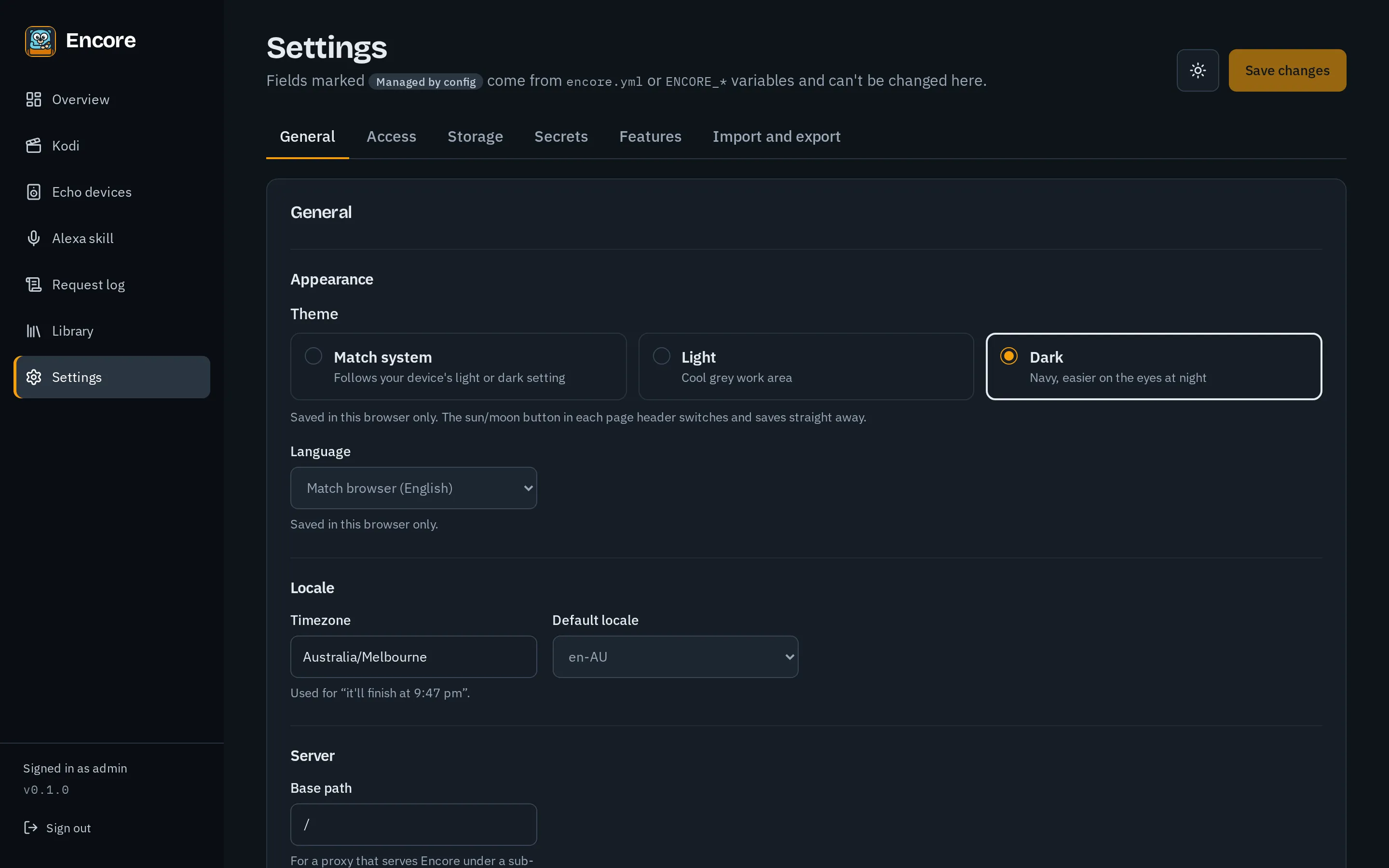
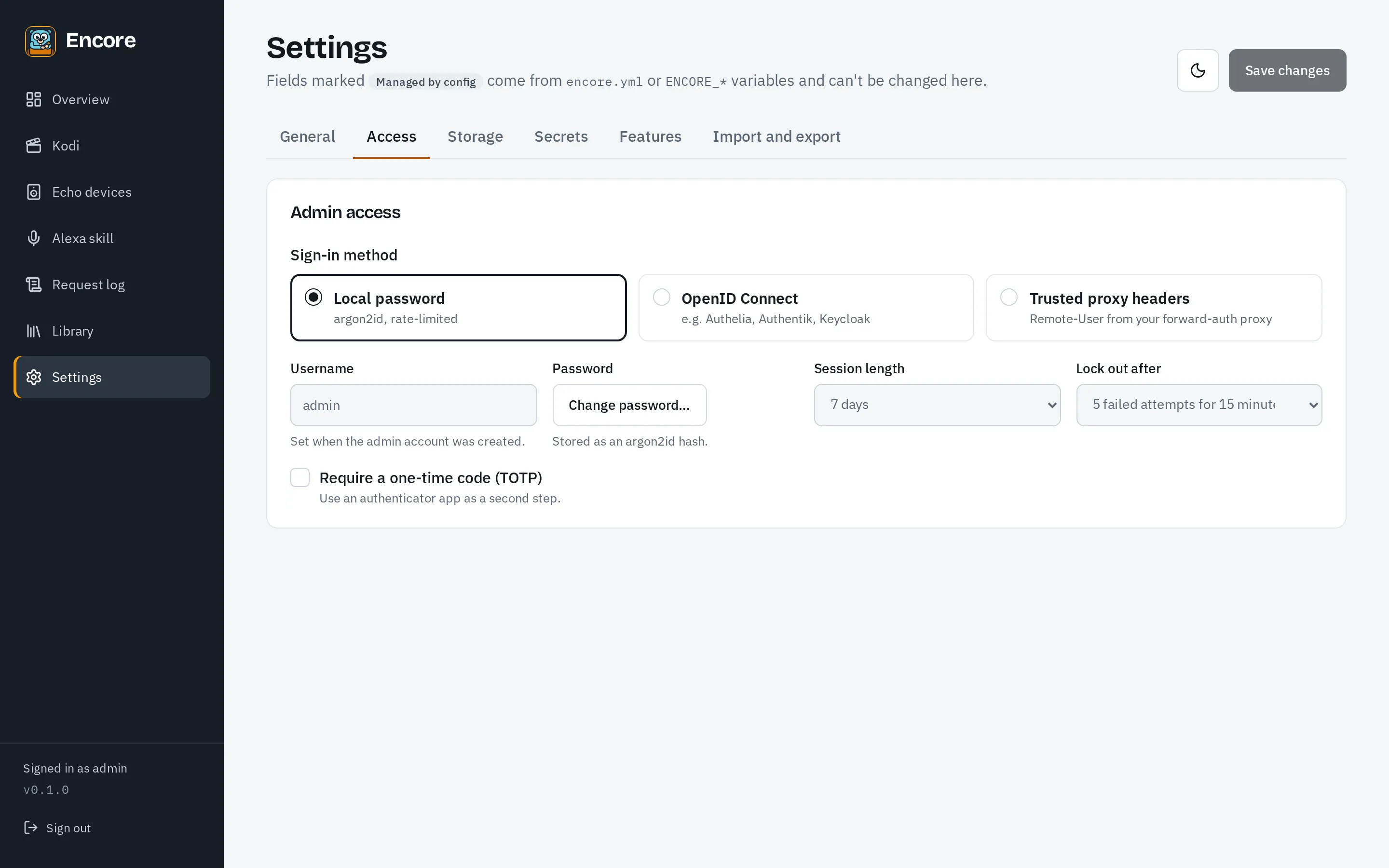
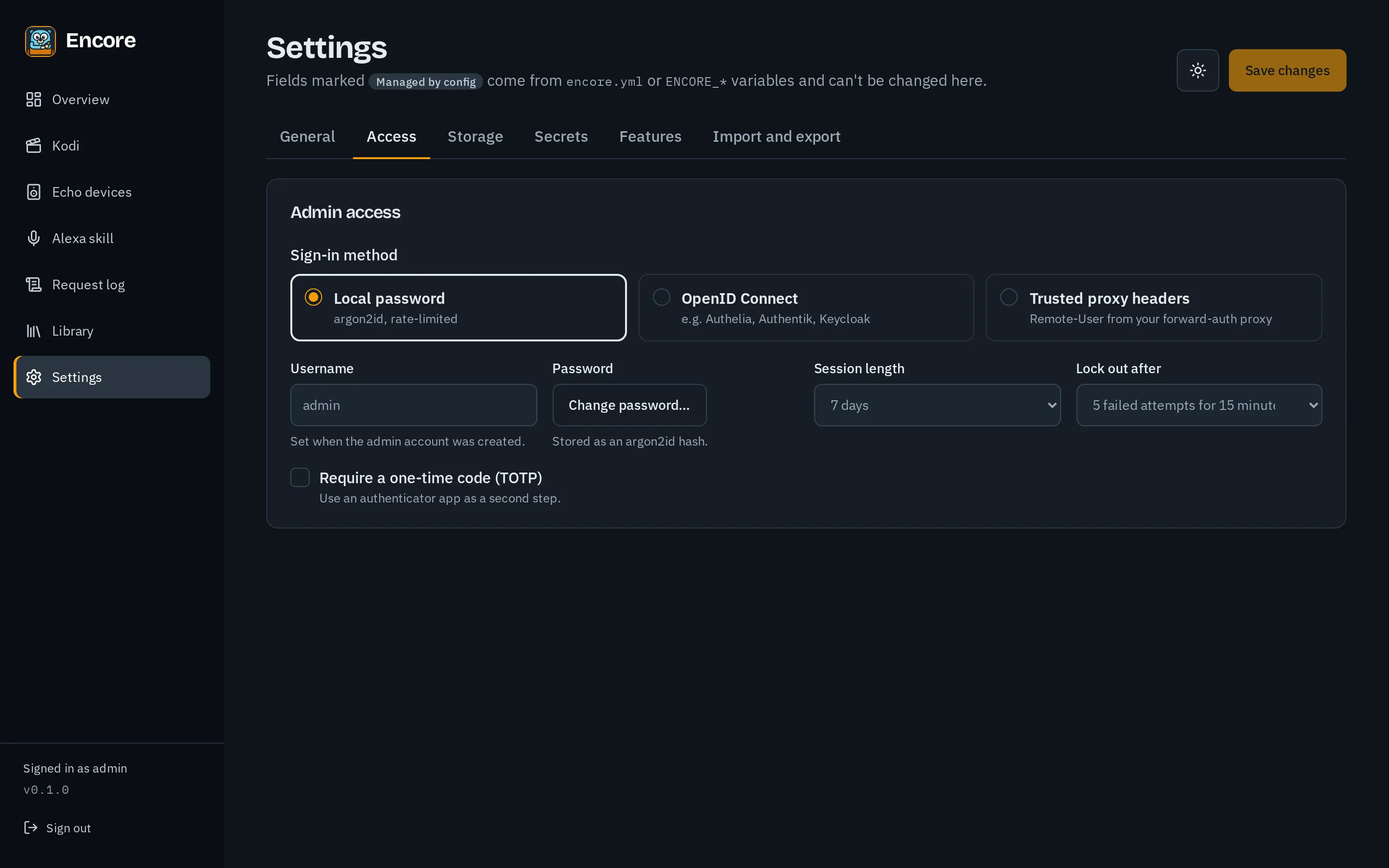
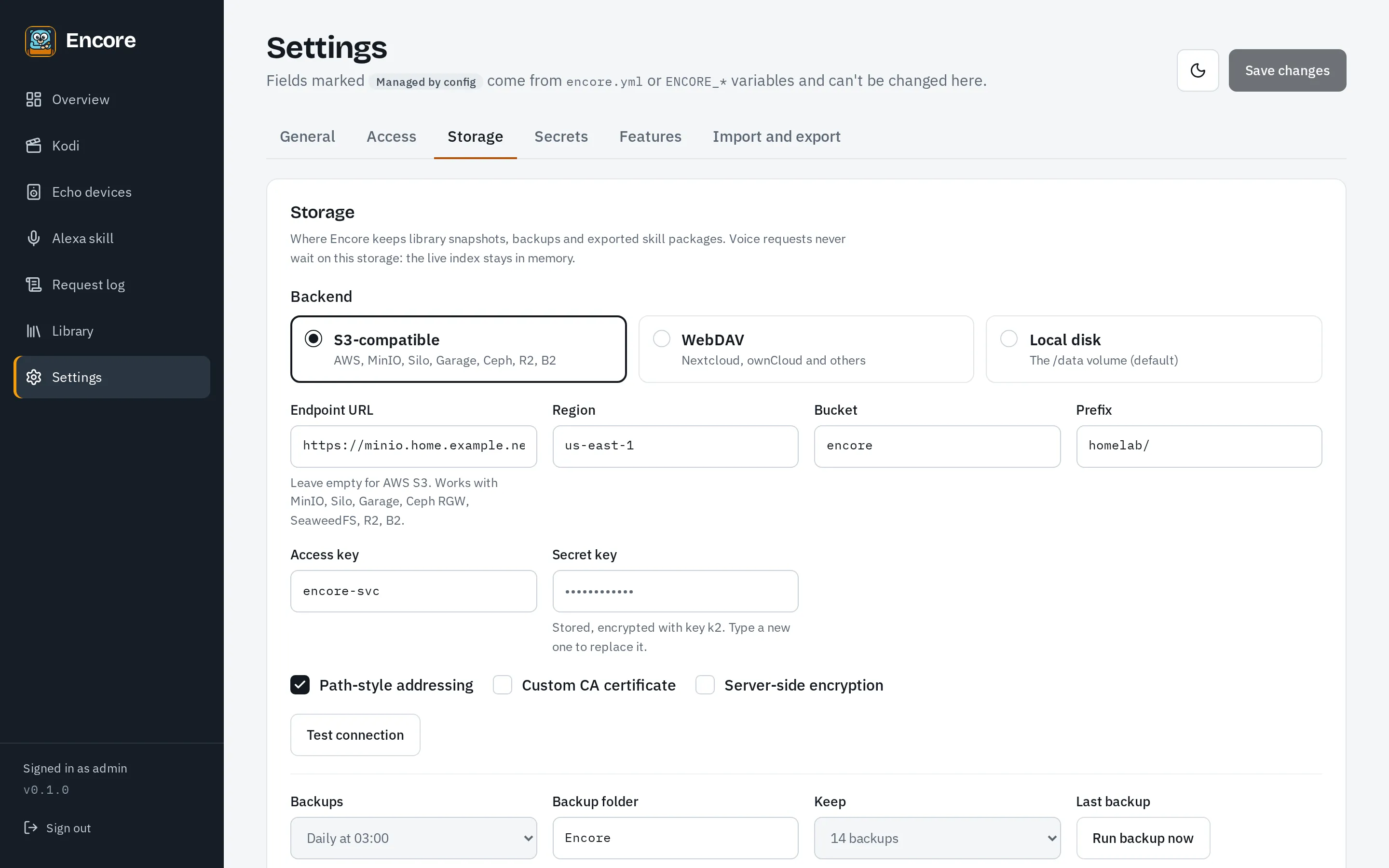
Settings
Section titled “Settings”The theme, time zone, default locale and log level, how admins sign in, and where backups go. See Admin sign-in and Storage and backups.